That post seems to be missing.
KingHappyPotter 3 points 3 years ago

Try Accubattery, it's pretty good for the health check of the battery.

path: 0 6402214, hotness: undefined, score: 3, children: 3
dingdongitsabear 1 point 3 years ago
path: 0 6402214 6402345, hotness: undefined, score: 1, children: 2
BearOfaTime 2 points 3 years ago

It can do a health check, just requires 1 or 2 full discharge/recharge cycles.

It measures current consumed during the charges and compares that to the battery specs.

Over the years I've found it pretty accurate. I keep multiple phones of the same type with the exact same OS/app build out, and can see the difference in battery health between old/new, and see it reflected in battery life when using either one.

I keep phones forever, and run AB on them once or twice a year, and it consistently shows their health dropping. I lose about 7-10% health per year, and that's reflected in reduced battery life during a day.

One phone is down to about 40%, and even with Lineage you can tell. It can run for a couple hours before needing a charge, while the 83% health phone goes most of a day. Again, same hardware, same OS, same apps, same usage.
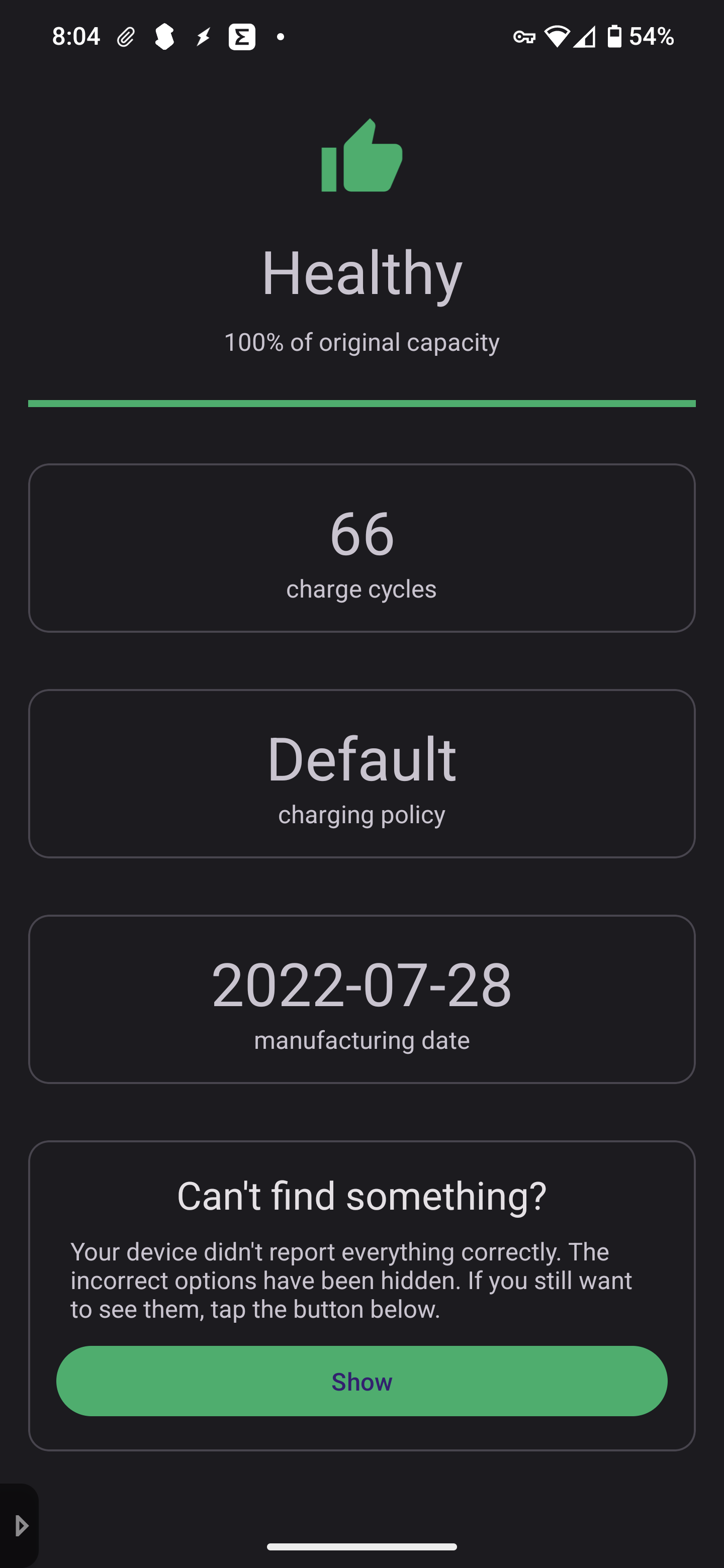
path: 0 6402214 6402345 6408883, hotness: undefined, score: 2, children: 0
KingHappyPotter 1 point 3 years ago

Yeah you're right, it guess the battery health based on prolonged usage. I'm not sure what you are looking for exists in stock Android ROM. It's very possible that info is restricted to the system, so apps cannot access it.

Let us know if you find something, I would be very interested.

path: 0 6402214 6402345 6407342, hotness: undefined, score: 1, children: 0
Atemu 3 points 3 years ago

The best info you can get on "battery capacity" is what the battery controller exposes and even that's just an educated guess on its side. It's no different on macOS but at least there you have a somewhat standardised interface for this kind of information; allowing apps to access it in a generic way.
If your controller firmware doesn't expose the info to the kernel, you won't be getting it, sorry.

I doubt this is a hardware issue though. Even a battery at 80% capacity won't lose it all overnight when the device is actually in deep sleep.
With this many services each doing their own power management, I would not be surprised if it never got there. Do a bug report and analyse it using battery historian to get an idea of where the power draw comes from.
An easier test would be to simply shut all of those services down for a given time frame, measure power draw (%/h) and compare to when all of them are running. Safe mode might come in handy here as you can be sure there's no user app running in that state. If it's many % per hour in that state, there's either an issue with the OS or indeed the HW.

path: 0 6405033, hotness: undefined, score: 3, children: 0
bamboo 2 points 3 years ago path: 0 6402363, hotness: undefined, score: 2, children: 0
jjlinux 1 point 3 years ago path: 0 6926236, hotness: undefined, score: 1, children: 0
Hiro8811 1 point 3 years ago

Try acca and acc. Dunno if will help but it's good for charge limits. It van be hit or miss though. If your going to try change acc versions if it doesn't work

path: 0 6405925, hotness: undefined, score: 1, children: 0

thanks for using Leebra!

go to feed...