That's wierd. If auto ration is disabled at the Android system level I don't think it's possible for an app or a web page to overide that. Are you sure auto rotation is off in Settings or Quick settings?
That post seems to be missing.
khelmr 2 points 3 years ago
There's no app yet, but there is a Progressive Web App (PWA) which is like a website in its own app. If you use Chrome, you can get the PWA by going to kbin's front page, open Chrome's three dot menu, then press "Add to Home screen."
PotjiePig 1 point 3 years ago
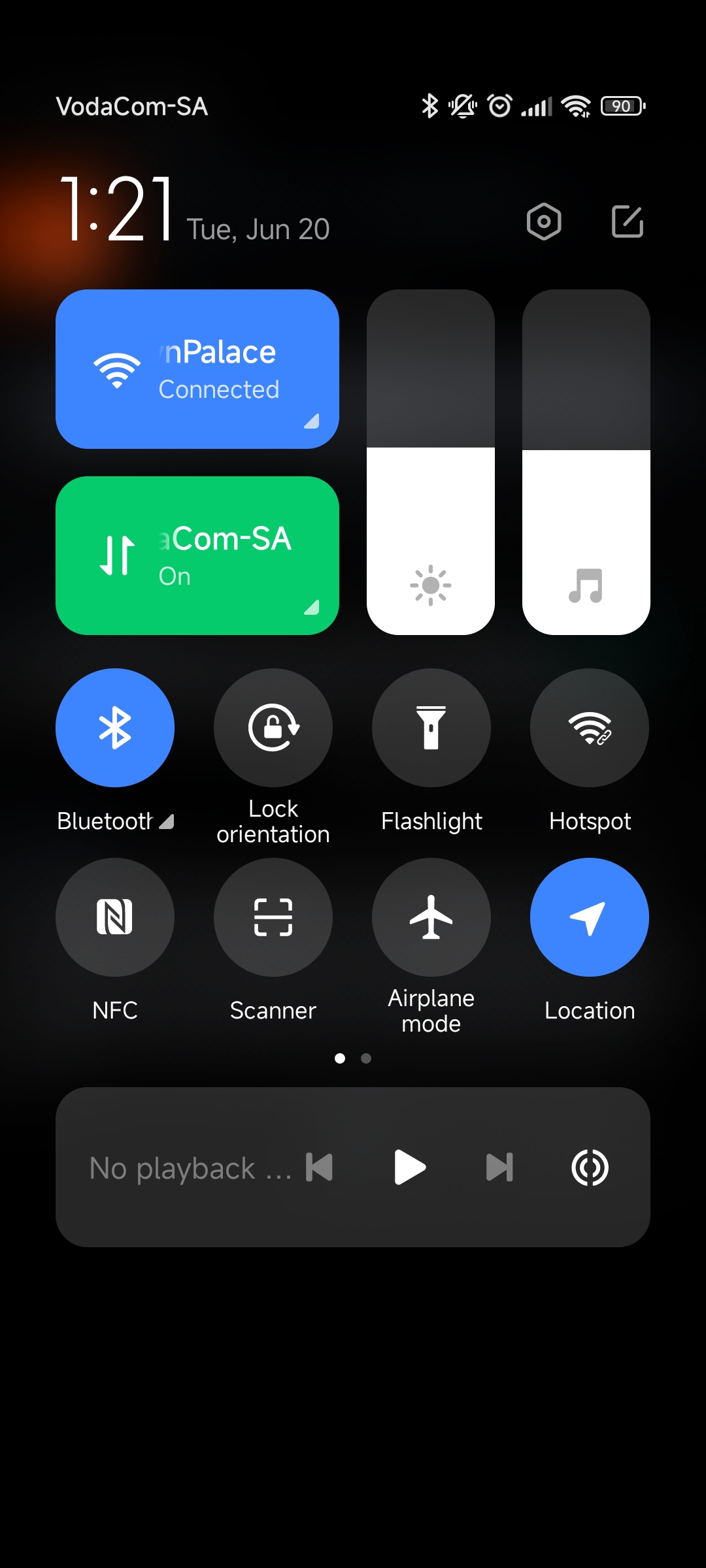
Most androids allow you to lock auto rotation from the swipe down menu. Have a look at your quick menu above your notifications. If it's not there, look for an edit quick menu button nearby, and you should be able to add a lock orientation button to your quick menu manually. If you can't find that, check the app Store for a forced override app that adds the feature for you.
explodingkitchen 1 point 3 years ago
I've got Rotation Control on my Android phone and kbin.social doesn't rotate when you've got it set to a fixed position. (It's an app I got through the Google Play store a long time ago.)
SavedTheCat 1 point 3 years ago
I have the same issue over here
thanks for using Leebra!
go to feed...
@Zuberi This happened to me as well. I think we're better off just using the mobile site until that gets fixed
save