A "finish downloading this, then turn off" feature would certainly be a nice addition.
That post seems to be missing.
PrinzKasper 14 points 3 years ago
Deconceptualist 1 point 3 years ago
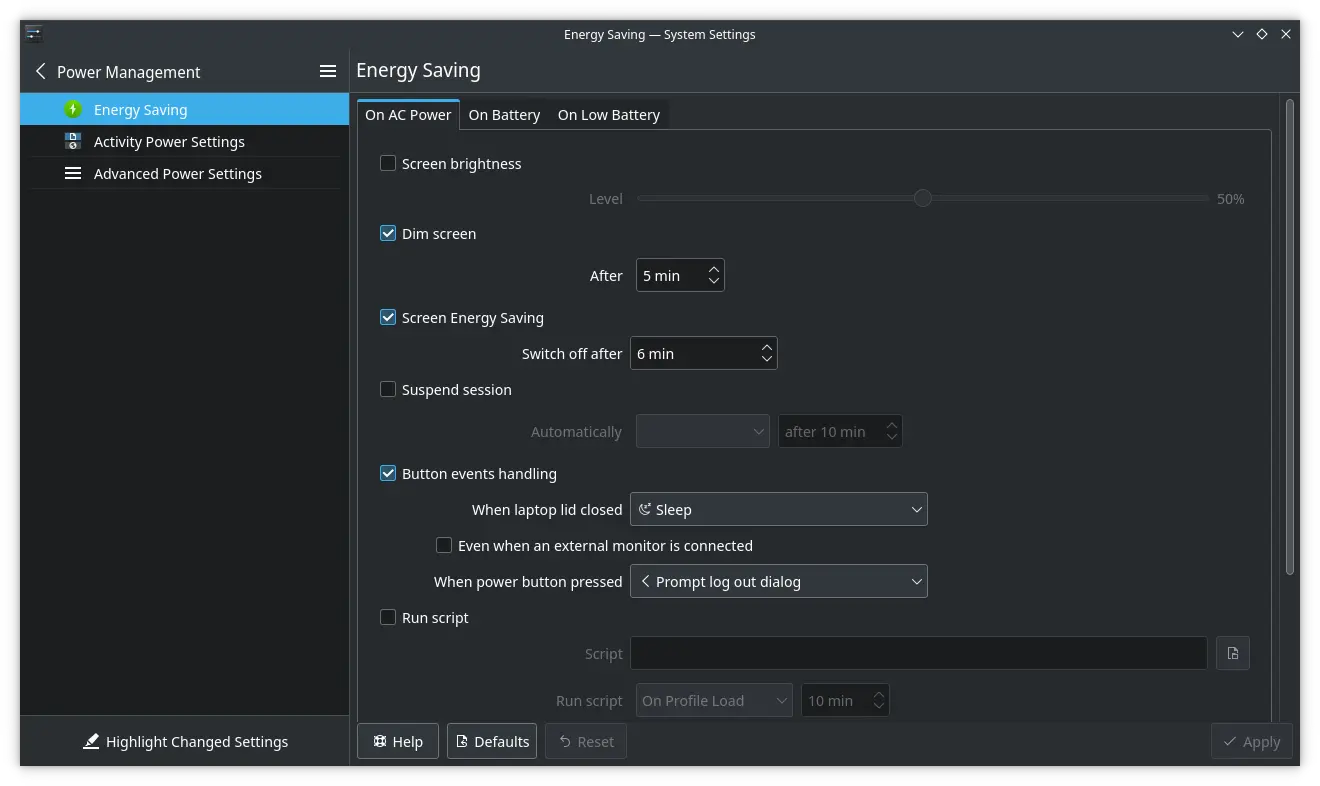
You can sorta do it with a shutdown +90 terminal command (or whatever you estimate the time to be).
NabeGewell 3 points 3 years ago
I think that might be possible with just a software update
topinambour_rex 7 points 3 years ago
Oled buttons. So we can show what we want on them, not just xyab, but symbols, etc...
asexualchangeling 7 points 3 years ago path: 0 3755414 3760386, hotness: undefined, score: 7, children: 1
CalcProgrammer1 5 points 3 years ago
My biggest wish for a Steam Deck Pro or whatever would be a variable refresh rate screen. 60Hz is still fine for the handheld format given the current Deck APU specs, but if it could handle frame dips below 60 without requiring manually fixing the refresh rate lower or dropping to 30 that would be wonderful.
vividspecter 2 points 3 years ago
VRR displays almost require >60hz, they don't work properly when they don't have a significant range to work with. Although in theory if it clocked down to at least 30hz (preferably lower) that would be okay, but that's fairly uncommon.
CalcProgrammer1 2 points 3 years ago
There are 60Hz VRR displays but they're not as common, especially not anymore. They do exist. With the right VRR range and LFC (low-framerate compensation, which doubles the refresh rate and displays the same frame twice to achieve VRR at rates below what the display supports) it would still be able to achieve smoother frame rates than a hard drop from 60 down to 30 which is what you get with conventional vsync. If a game runs between 40 and 60 FPS and you had the Deck set to 60Hz, you would get bad stuttering/jittering as it continuously goes from 30 to 60 FPS but with VRR it would simply slow down the display gently. My old 2017 Razer Blade Pro has a 60Hz 4K VRR panel and, while I don't game on it much at all anymore, it did work in the same sort of situations.
CalcProgrammer1 4 points 3 years ago
Adjustable refresh rate and variable refresh rate are not the same thing...have you ever used a VRR display (Freesync/GSync)? VRR means the panel refresh changes dynamically with the game framerate. Having an adjustable fixed refresh range between 30 and 60 is damn nice compared to a fixed 60, but VRR is better and would hugely benefit the Deck since it tends to run a lot of games sub-60.
CalcProgrammer1 4 points 3 years ago
Sounds like you've never used a VRR display. It's actually very obvious you've never used a VRR display. Once you use one you won't want to go back. Fixed refresh stutters and/or tears when the game frame rate doesn't match the display's refresh rate. VRR just dynamically speeds up or slows down the panel refresh to match, giving a tear-free image with as minimal stuttering as possible. Just because the Deck display supports a wide range of fixed refresh rates does not make it anywhere near equivalent to a proper VRR panel as the Deck screen does not adjust dynamically to match the game FPS.
bjoern_tantau 5 points 3 years ago
At least the joysticks, bigger SSD and different color are all attainable with a small bit of tinkering. There's even an aftermarket screen with a higher resolution available. But I don't know if that has smaller bezels.
And video out while charging can be handled by whatever dongle you use for video out. But I know what you mean.
conciselyverbose 2 points 3 years ago
Multiple USB-C ports is the one that I'd notice most. Less bezel would be good, too, but it wouldn't change how I use it.
CalcProgrammer1 1 point 3 years ago
A bottom USBC for docking like the Switch would be awesome, and having two ports would allow an unpowered monitor or dock/hub while charging. A USBA port on top as well would be nice if they could fit it.
conciselyverbose 0 points 3 years ago
Having the port on the bottom was by far the worst design decision of a bunch of bad design decisions for the Switch. It makes charging while using it a trash experience.
If the deck had 50 ports, 0 should be on the bottom.
CalcProgrammer1 1 point 3 years ago
I think one on top and one on bottom would be best. Bottom for docking, top for charging while playing.
Gaffe 4 points 3 years ago
Not directly relevant but if you have the 64gb deck and a big SD card: you can symlink the directory that houses all the proton versions and shader catches to the SD card.
That was pretty much the first thing I did after I got my deck, as a stopgap before I could upgrade the SSD but it's been working well enough I never got around to swapping out the SSD after, what, almost two years?
hedgehog 1 point 3 years ago
Out of curiosity, did a symlink actually work or did you need a bind mount?
I ask because I had issues with cloud saves not working for BG3 (which I got through GOG, not Steam) and as a workaround I put my save folder in Dropbox and sym linked to it from every system I play on. But on the Steam Deck specifically the sym link didn’t work and I had to create a bind mount instead. I wouldn’t be surprised if Steam and Proton used the same file management libraries.
Gaffe 2 points 3 years ago
I didn't do any fancy mounting, as far as I can remember. I think it really was just a matter of copying the directories to my SD card and replacing the directories on the deck with links to the ones I copied to the card.
I'll take a look at what I did the next time I get the deck out and let you know
hedgehog 2 points 3 years ago
From your follow-up message where you confirmed - thank you for checking and confirming! I don’t have a 64 GB Steam Deck but some of my friends might (they have Steam Decks, I just don’t know what sizes) and that confirmation will make it way easier for me to help them make the same change if they ever complain about running out of main drive storage.
asyncopation 2 points 3 years ago
+1 for new screen. The bezel is really bad. The current resolution just doesn't show enough detail on some games (Rocket League for example looks awful on the deck to the point where you're playing with a handicap)
Controller input latency (using the newer "xbox wireless controller" connected via Bluetooth) needs to be improved
Ergonomics could be improved. After a few hours, the neck starts to feel it. So I find myself compensating by holding it up higher. Not sure how they could improve the neck issues without a detachable screen or something. Hand/wrist discomfort could definitely be improved.
conciselyverbose 6 points 3 years ago
Bluetooth isn't capable of acceptable controller performance. It's not better on Windows.
The resolution is a deliberate choice. A higher resolution screen isn't worth the trade off.
asyncopation 0 points 3 years ago
Well these controllers ship with bluetooth connectivity, so it stands to reason that they should work towards their intended purpose.
I'm able to play most games with noticeable yet acceptable input lag, but not for competitive/online games. It feels like it's close, and efforts toward optimization could get it there.
On the other hand the 2.4ghz dongle doesn't work out of the box so that would be a nice addition.
You're saying a higher res screen would cause issues with battery life and performance in the current deck, but we're talking next gen.
Edit: I misread the post. The screen upgrade can only work in next gen and your point stands.
conciselyverbose 0 points 3 years ago
It's not playable with Bluetooth on any platform. Input lag is not mild. It's every bit as completely unplayable on Windows.
thanks for using Leebra!
go to feed...
I just want to be able to download games in the background with the screen off. My internet is crappy at times and I don’t really like leaving the screen on overnight just to download a game or two.
save