
My user account doesnt have sudo despite being in sudoers. I cant run new commands i have to execute the binary. Grub takes very long to load with "welcome to grub" message. I just wanted a stable distro as arch broke and currupted my external ssd
beirdobaggins 5 points 3 years ago
When installing Debian, it asks you for a root password. If you enter one then you will not be added to the sudo group automatically. If you skip entering a root password, you will be added to sudo.
I always enter a root password and then once in the installed OS switch to the root account with su - then add my self to sudo with usermod -aG sudo beirdo-baggins
Then reboot.
terminhell 4 points 3 years ago
Maybe they mean lacking wheel groups? Or not knowing how to invoke sudo with a specific user?
tal 12 points 3 years ago
Debian's got a sudo group, not a wheel group.
EDIT: Oh, I see what you mean. Arch might use the wheel group and Debian the sudo group, and if he just copied his Arch sudoers file over his Debian one, it would reference the wheel group and wouldn't work.
googles
Yeah, Arch has wheel.
EDIT2: I bet he tried to add his user account explicitly to /etc/sudoers rather than just adding the account to the sudo group and just got the syntax wrong in one way or another, as the syntax of sudoers isn't terribly intuitive.
Pantherina 1 point 3 years ago
In english you can use "they" if you dont know the persons pronouns ;D also pretty sure OP is female
But valid point, Debian is weird
tal -1 points 3 years ago
In english you can use “they” if you dont know the persons pronouns
You can, but you can also use "he", as English has a masculine generic.
But valid point, Debian is weird
I think that most Linux distros are based on Debian these days, as Fedora, the other major "parent" distro, seems not to be doing super-well, so I'd guess that most distros are probably using the sudo group.
Slackware looks not very alive these days, so I don't think that there's much going on with the child distros there any more.
kevin 2 points 3 years ago
Normally running a command does execute a binary.
I'm not certain, but I'm wondering if OP means that new programs don't automatically get a "desktop" app or whatever. I'm often annoyed when I have to manually create the file that lets me access software from the launch menu
tal 2 points 3 years ago
Offtopic, but I had no use for desktop files in general, as I launch stuff from the command line, but I finally discovered a wonderful use for them. Steam creates a desktop file for Steam games it installs. Steam itself is...not all that amazing as a launcher. Gives you the last five games launched in a contextual menu from a tray icon, and a list of games you can search through in the client interface after you bring up the window and move to the Library tab. However, you can set up rofi to use desktop files as completions (one sets it up to complete on "drun"), and then rofi can act as your Steam game launcher, which is great. I can just whack a keystroke to invoke rofi, and then type a few characters of the game I want and whack enter, and rofi will prioritize by last-invoked. Really nice not having to slog through the Steam interface.
tal 2 points 3 years ago
Yeah, I've used that, and the "lite" interface, but what I want is a fast, searchable list, no mouse involvement, just with a single key combination to bring up the search, and recent game stuff, and rofi with drun does all of that, which was pleasant.
kevin 2 points 3 years ago
That's basically how I use desktop files generally, the kde launch menu (similar to the old Windows "start"... I don't know what it's called) comes up when I tap super, and then I can start typing and find what I want to launch.
You can set that up to run custom scripts, but all desktop files are there by default.
tal 1 point 3 years ago
Okay. I have my config files set up to add /sbin and /usr/sbin to my PATH -- that's probably a config that dates back at least a decade -- but it looks like Debian defaults to not having /usr/sbin or /sbin in PATH for non-root users; you can see this in /etc/profile, where it's only adding /usr/local/sbin, /usr/sbin, and /sbin to root's PATH, but not to other users.
If you run su -l, then that'll give you a login shell as root, and that'll have those in the path.
You can also add them to a regular user's path. I don't know what the "right way" to modify PATH for a graphical desktop is these days, so I can't give much help there; with xdm starting Xorg, which is what I do, it's to put it in a ~/.xession file, something like:
export PATH="/usr/local/sbin:/usr/local/bin:/usr/sbin:/usr/bin:/sbin:/bin:/usr/local/games:/usr/games"
and for login bash shells, like for if you ssh into the system or log in on the console, in ~/.bash_profile, the same.
But GNOME under Wayland and all those new desktop environments probably have some way to modify PATH, something which they run at when you log in, and I don't know the appropriate place to stick those or which you use.
tvcvt 11 points 3 years ago
It sounds like you’re seeing a few different issues here and it makes me wonder if there’s some hardware issue that’s causing some of this or if the installation is botched (though it’s be odd for that to hose two different distros.
Last time I looked Debian didn’t include sudo by default, so you’d have to install it first. To add yourself to the sudoers group, log in as root and run usermod -aG sudo mariah (assuming that’s your username). Then reboot (logging out your user should work too, but better be thorough).
Grub sometimes includes a timeout longer than I like and you can edit that in the /etc/default/grub file to something of your liking.
Not sure what you mean about the commands, but maybe it’s an issue with your $PATH.
nobloat 10 points 3 years ago
When installing Debian, if you choose to enable a root account then sudo is not installed by default and your user isn't added to the sudo group. Next time try to opt for not enabling the root account to have a similar experience to other distros. Debian does this doe security reasons but it's annoying for users used to a certain way of doing things. Many distros just disable root account by default so you don't see that issue.
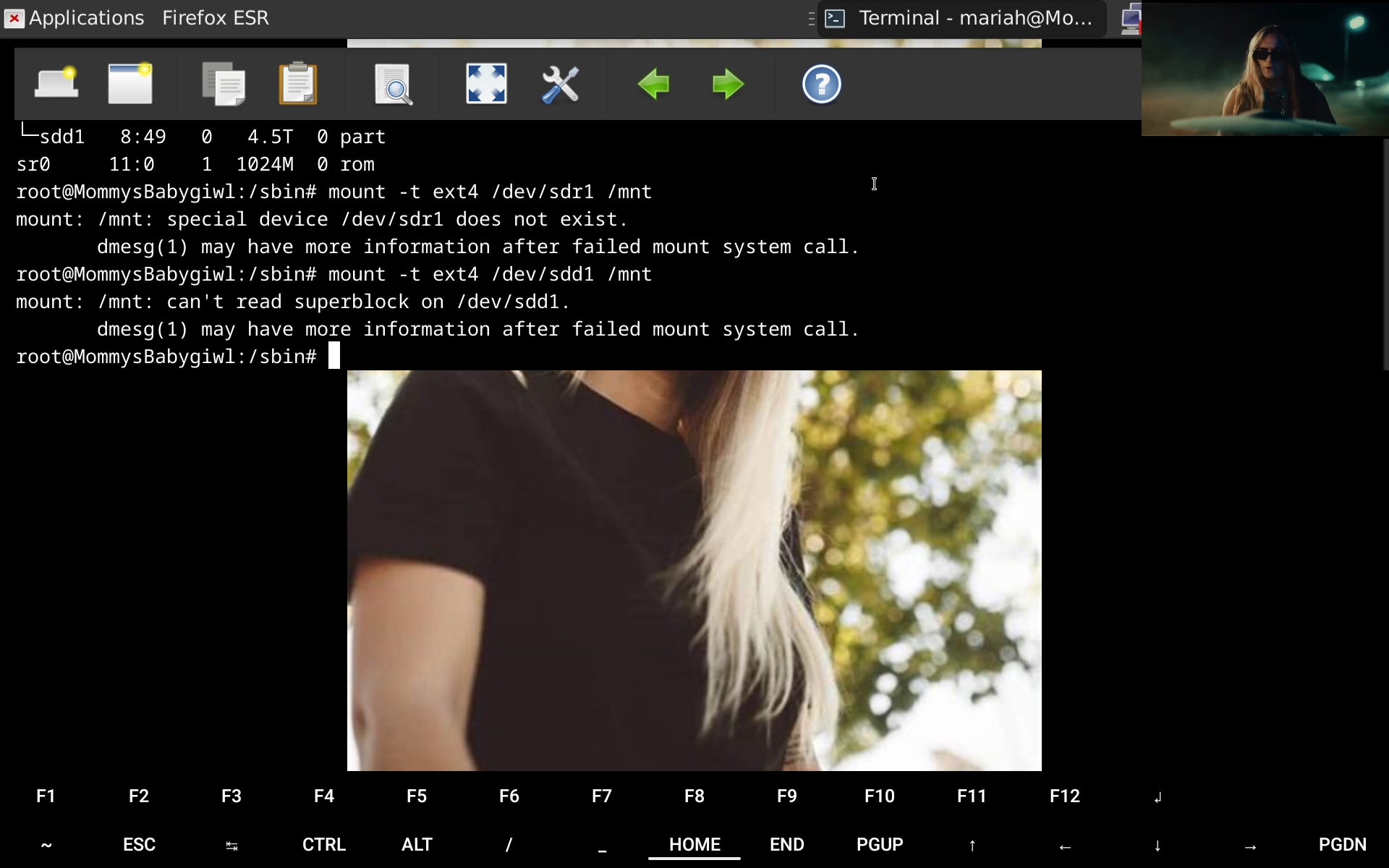 If i can get it working ill be so happy as i have 4000 music videos
ruckblack 6 points 3 years ago
Arch will go into emergency mode whenever it can't mount a volume in fstab on boot. If the drive is formatted as NTFS, I've had this exact problem. I think it has to do with windows marking the drive as dirty. I didn't bother figuring out what the problem was, I just stopped trying to mount an NTFS drive on boot. Maybe you'd have better luck using the ntfs-3g driver?
jasondj 2 points 3 years ago
Nah Debian 12 is weird. I recently installed on a few systems and they all do the same — usermod isn’t in roots $PATH by default, and my user account wasn’t a sudoer by default.
I’ve added myself to sudo but I keep getting “kicked out” when I start a new shell. Have to newgrp sudo to be able to sudo again.
tal 1 point 3 years ago
I’ve added myself to sudo but I keep getting “kicked out” when I start a new shell.
Group permissions from the /etc/group file get assigned at login. Each process will inherit group memberships from its parent.
You can see them for a process (self being the current process) in:
$ grep ^Groups: /proc/self/status
The gids there correspond to the gids in /etc/group.
That's why the need to log out the user in question after adding the user to a group, unless you're gonna use sg or similar to add that gid and then have all your new processes started by that process that you just started with the new gid.
You'll see this with all user memberships in groups on Linux. It's not behavior specific to Debian or specific to membership in the wheel or sudo group.
tal 4 points 3 years ago
For the GRUB delay...hmm. GRUB's pretty early in the boot process. I'm not totally sure what would add delay in Debian. Not a lot of per-distro difference there.
GRUB itself has a delay of a few seconds until it starts automatically booting Linux, time to give someone the option to choose something else. That delay is configurable and might vary on a per-distro basis, but that delay has the GRUB screen visible already. So I don't think it'd give the symptoms you describe.
I'd think that you'd have to be either doing BIOS stuff or something very early in the GRUB startup to be getting a delay before the GRUB screen is visible.
considers
Maybe your BIOS is waiting for the old boot drive to come up -- you said something about an external drive dying -- then timing out and looking through the list of remaining bootable drives and finding GRUB installed there? Maybe try going into BIOS and explicitly selecting the Debian boot drive as being the drive that you want to boot from?
tal 2 points 3 years ago
All right. Hmm.
I'd still probably try booting up with the external drive disconnected -- should be an easy test -- and seeing if the pre-GRUB delay doesn't show up. If either the BIOS or GRUB is trying to talk to the drive and it's taking a while to respond because it's having problems, something which I have certainly seen many a (well, rotational) drive do, that might account for the delay.
electric_nan 3 points 3 years ago
I can recommend Linux Mint Debian Edition. It smoothes out a lot of the "sharp corners" of Debian and makes it more pleasant to use, IMO.
FourThirteen 3 points 3 years ago
What's with everyone recommending a different distro instead of trying to help the user in the thread?
Guenther_Amanita 2 points 3 years ago
Just asking: how long have you been using Arch and why? What qualities did you like in it?
Going from Arch to Debian is a huge leap. In my personal opinion, Debian is a great distro for servers or really really conservative desktop users, but it gets stale really fast.
Something in between both is ideal for deskop use, like Fedora, Ubuntu, Mint, etc.. The half year release schedule keeps everything modern, but stable enough.
You said in another comment, that stability is the most important aspect for you. I recommend you...
Fedora Silverblue
Why?
- Great update schedule (see above)
- Extremely stable. Fedora at it's base (already pretty reliable), immutable base (less bugs, since that's more reproducible and therefore easier to fix), also
- Atomic updates. You either apply a functioning update, or no update at all. If you update on a traditional distro and loose power, it is only applied partially and your system is borked
- You can always rollback with one click if an update isn't working as it should (e.g. screen flickering)
- Seamless updates. They just get installed in the background and when you reboot, the next image is already selected for you. I don't even notice an update and never get annoyed. I shut my PC off anyhow every few days, since booting takes just a few seconds on an NVME.
- Base can be exchanged with one command. If you run Gnome and want to switch to KDE, you rebase with one command, reboot, and everything Gnome related is gone and KDE is installed cleanly! Feels like a reinstall, but your user settings and data are all still there. You can also rebase to something from Project uBlue, which offers custom images, like a SteamDeck-clone, different kernels, Cinnamon desktop, and so on...
- Huge software repository. You (should) never install .rpm s directly to your system, you use containers. Flatpak is great, but Distrobox even more! You can access the AUR too if you want and use those apps just like natively.
- And so on
tal 1 point 3 years ago
One other idea regarding the external drive. It probably won't resolve the issue, but it's not too hard to try and it's simple, so I'd be inclined to give it a stab.
If your external SSD drive has a power connector separate from the data connector, which some do -- that is, it's not relying on USB or similar for all its power -- and it hasn't been powered down since you hit the problem with your Arch installation, I'd try shutting down the computer, then killing the power entirely to the drive. Then power it back up, and start the computer again.
I have, before, seen USB-attached devices that manage to get themselves into some sort of funky state. Normally, rebooting the computer resolves that, but with devices with an external source of power -- which can be the case for external drives -- I have seen devices sometimes not cleanly reset when the computer does and stay in a bonkers state.
danielfgom 1 point 3 years ago
Do yourself a favour and install Linux Mint Debian Edition 6. It's Debian 12 with all the good tweaks made by the Mint team..
Pantherina 1 point 3 years ago
Seems you get good help here. I am curious, after coming from Arch, why did you take the old af Debian? Currently its not that bad, but it will simply get boring if all the new stuff of like 2 years is missing. Why not Fedora or Opensuse? Psst, Fedora Atomic /Ublue images may also be nice!
Pantherina 1 point 3 years ago
Okay so I think Debian should be fine ;D good luck!
PainInTheAES 1 point 3 years ago
Just to be pedantic you could use su -c "$command"
tal 2 points 3 years ago
You also have sudo -s, which is similar to su.
Some distros set up sudo by default, and some don't. I started out on Red Hat, back in the 1990s, and I don't believe that they set up sudo by default; the norm there, at least at the time, was to su. Ubuntu, as I recall, installs sudo and I believe configures it to grant sudo access to the user account who did the installation. There, the convention is to kinda sudo. I can't recall whether the default is passwordless, though.
I don't think that using either is a horrendously bad practice. I tend to set up sudo in password-requiring mode and use sudo these days, but I wouldn't blink an eye at using su either.
I think that the most-significant security concern with su is that you can leave a root shell lying around if you walk away from your computer, and while sudo may reduce the frequency with which that happens -- if one is prone to walking away from their computer and leaving it unlocked in the first place -- you can do that with sudo -s as well, which I certainly use, so...shrugs Plus, if you have sudo set up with passwordless root access, any shell is functionally a root shell anyway. And, frankly, if someone has physical access to a system, most people don't bother to lock down their system against setting init=/bin/sh on the kernel command line in GRUB, passwording their BIOS and restricting it from booting from alternate boot media, etc, so...

linux
@lemmy.ml
68060
9443
5184
From Wikipedia, the free encyclopedia
Linux is a family of open source Unix-like operating systems based on the Linux kernel, an operating system kernel first released on September 17, 1991 by Linus Torvalds. Linux is typically packaged in a Linux distribution (or distro for short).
Distributions include the Linux kernel and supporting system software and libraries, many of which are provided by the GNU Project. Many Linux distributions use the word "Linux" in their name, but the Free Software Foundation uses the name GNU/Linux to emphasize the importance of GNU software, causing some controversy.
Rules
- Posts must be relevant to operating systems running the Linux kernel. GNU/Linux or otherwise.
- No misinformation
- No NSFW content
- No hate speech, bigotry, etc
Related Communities
Community icon by Alpár-Etele Méder, licensed under CC BY 3.0
go to feed...
linux
@lemmy.ml
68060
9443
5184
From Wikipedia, the free encyclopedia
Linux is a family of open source Unix-like operating systems based on the Linux kernel, an operating system kernel first released on September 17, 1991 by Linus Torvalds. Linux is typically packaged in a Linux distribution (or distro for short).
Distributions include the Linux kernel and supporting system software and libraries, many of which are provided by the GNU Project. Many Linux distributions use the word "Linux" in their name, but the Free Software Foundation uses the name GNU/Linux to emphasize the importance of GNU software, causing some controversy.
Rules
- Posts must be relevant to operating systems running the Linux kernel. GNU/Linux or otherwise.
- No misinformation
- No NSFW content
- No hate speech, bigotry, etc
Related Communities
Community icon by Alpár-Etele Méder, licensed under CC BY 3.0
go to feed...
I don't know what behavior you are seeing.
Install sudo, add the user to the sudo group, and log out and log back in again (okay, technically you could just
sg sudoas that user rather than logging him out, but group privileges are assigned at login, and it's probably easier to just log out).https://wiki.debian.org/sudo
Normally running a command does execute a binary. You mean that you have to fully-specify the path to the binary, that it's not in your PATH? Like, you're typing
/bin/lsrather thanls?It's probably easier for people to understand what's going on if you just paste the output you're seeing and indicate what it is that you expected to see.
save