Looking for cable management advice

2 years ago by sneekee_snek_17 to c/battlestations

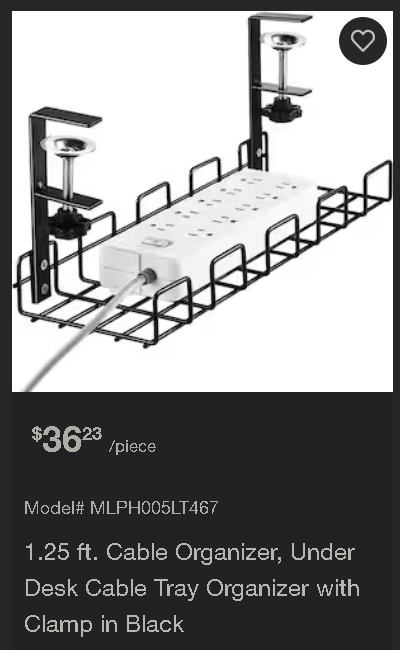
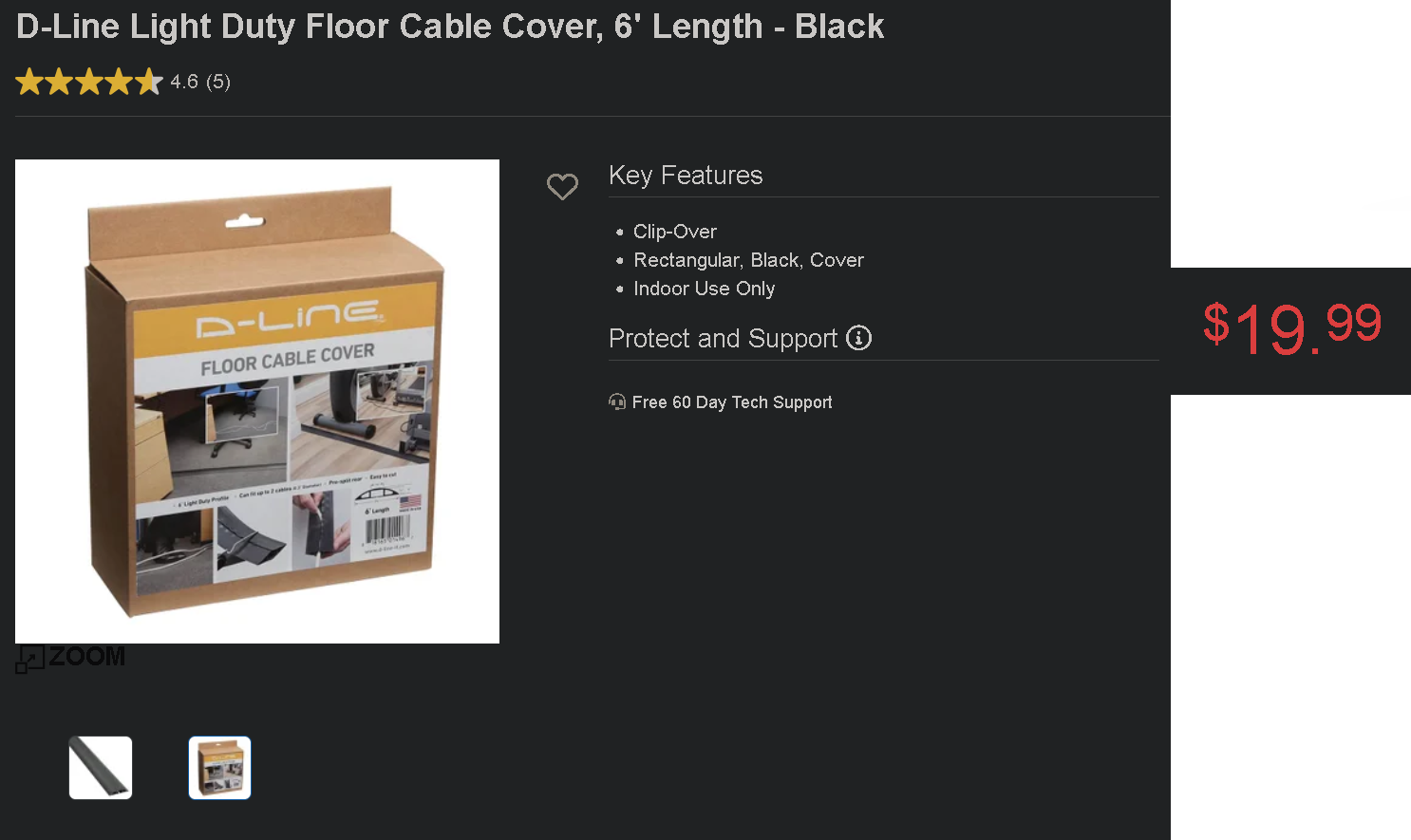
I finally upgraded my desk and I want to have appropriately clean cable management. I would need probably 4 of the option shown here, and that's unnecessarily expensive, so I'm hoping yall have some ideas.

Also, ideally they wouldn't be out in the open, since I've got a nibbly cat.

SatansMaggotyCumFart 31 points 2 years ago

First thing I do is snip off all the wires so my computer is wireless.

path: 0 10691146, hotness: undefined, score: 31, children: 2
DannyBoy 40 points 2 years ago

Don't forget about the ones inside.

path: 0 10691146 10691502, hotness: undefined, score: 40, children: 1
SatansMaggotyCumFart 12 points 2 years ago

I did say all the wires.

path: 0 10691146 10691502 10691600, hotness: undefined, score: 12, children: 0
Eheran 20 points 2 years ago

21 $ for a bend piece of steel? Hahaha.

path: 0 10691194, hotness: undefined, score: 20, children: 2
jimmydoreisalefty 10 points 2 years ago

True, it seems way too expensive.

Everything has increased in price though...

Looking again at the picture, it seems to have a good amount of space though!

Holy damn, look at the price of this!

path: 0 10691194 10691342, hotness: undefined, score: 10, children: 1
jabathekek 1 point 2 years ago
path: 0 10691194 10691342 10693348, hotness: undefined, score: 1, children: 0
DemBoSain 16 points 2 years ago

Gutters. Go to your local Home Depot clone, get 8 feet (or cut one shorter) of vinyl gutter and some clips to hang them under your desk. Cut to length, hang under your desk.

path: 0 10693697, hotness: undefined, score: 16, children: 1
recklessengagement 5 points 2 years ago

Ooh, this is clever. Love it when existing products work as cheap and effective solutions aside from their intended use case.

path: 0 10693697 10693828, hotness: undefined, score: 5, children: 0
jimmydoreisalefty 14 points 2 years ago

Good amount of velcro and zipties?

Many great options:

Seems Ikea has a smaller, but cheaper option (Other comment shows the larger tray):

Loose cables, something like this:

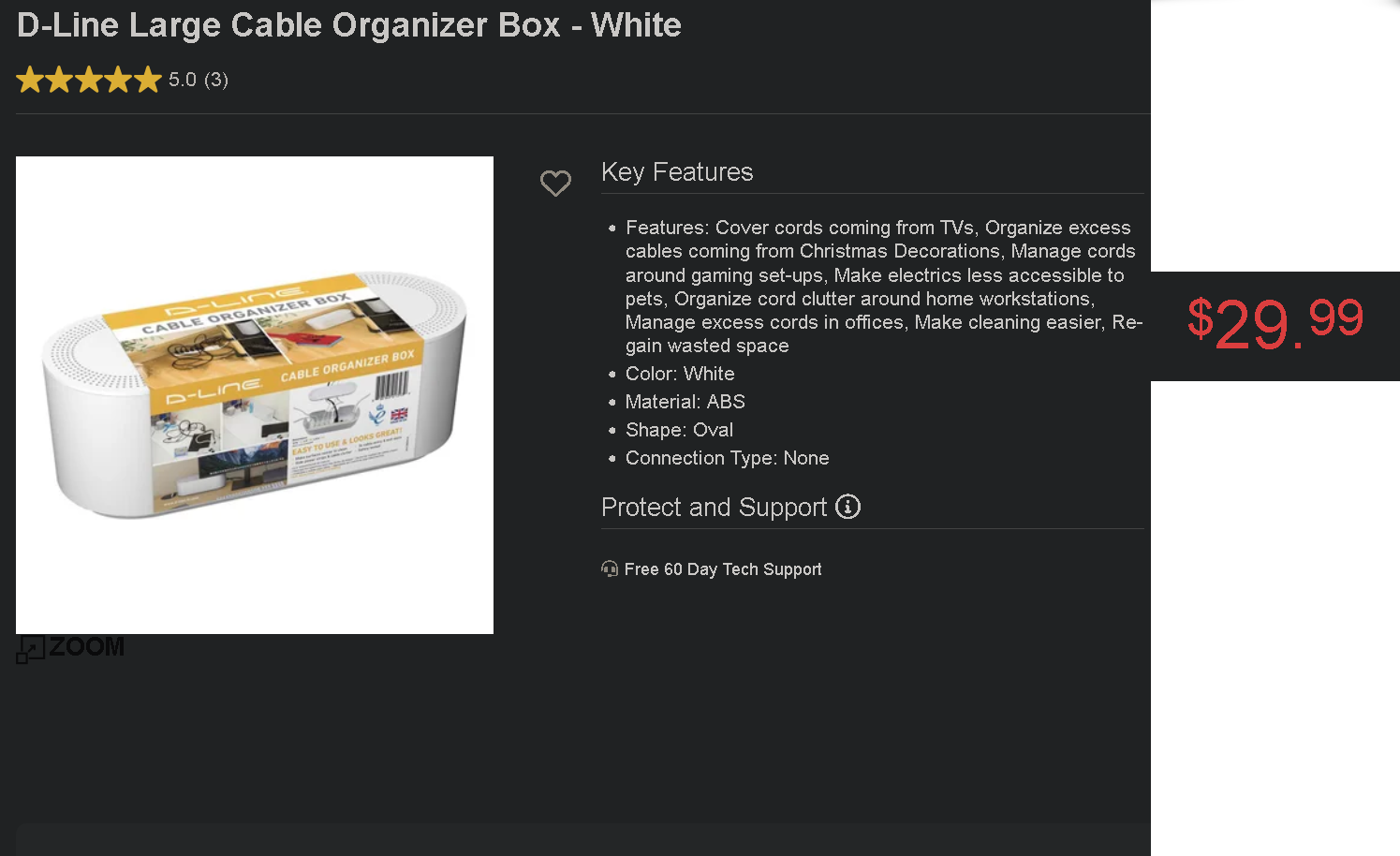
Box to put extension inside, ground level though:

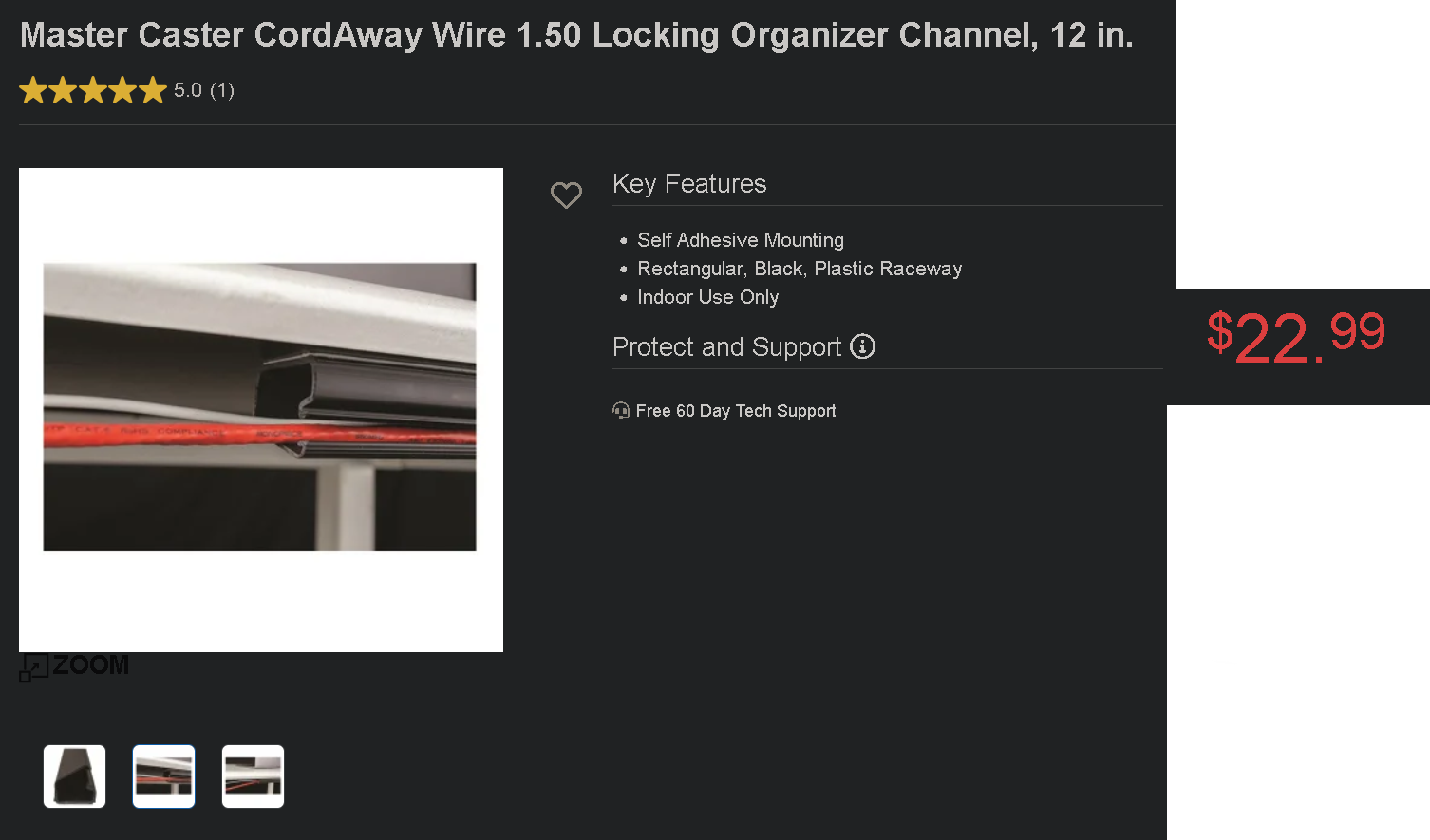
More Cable covers:

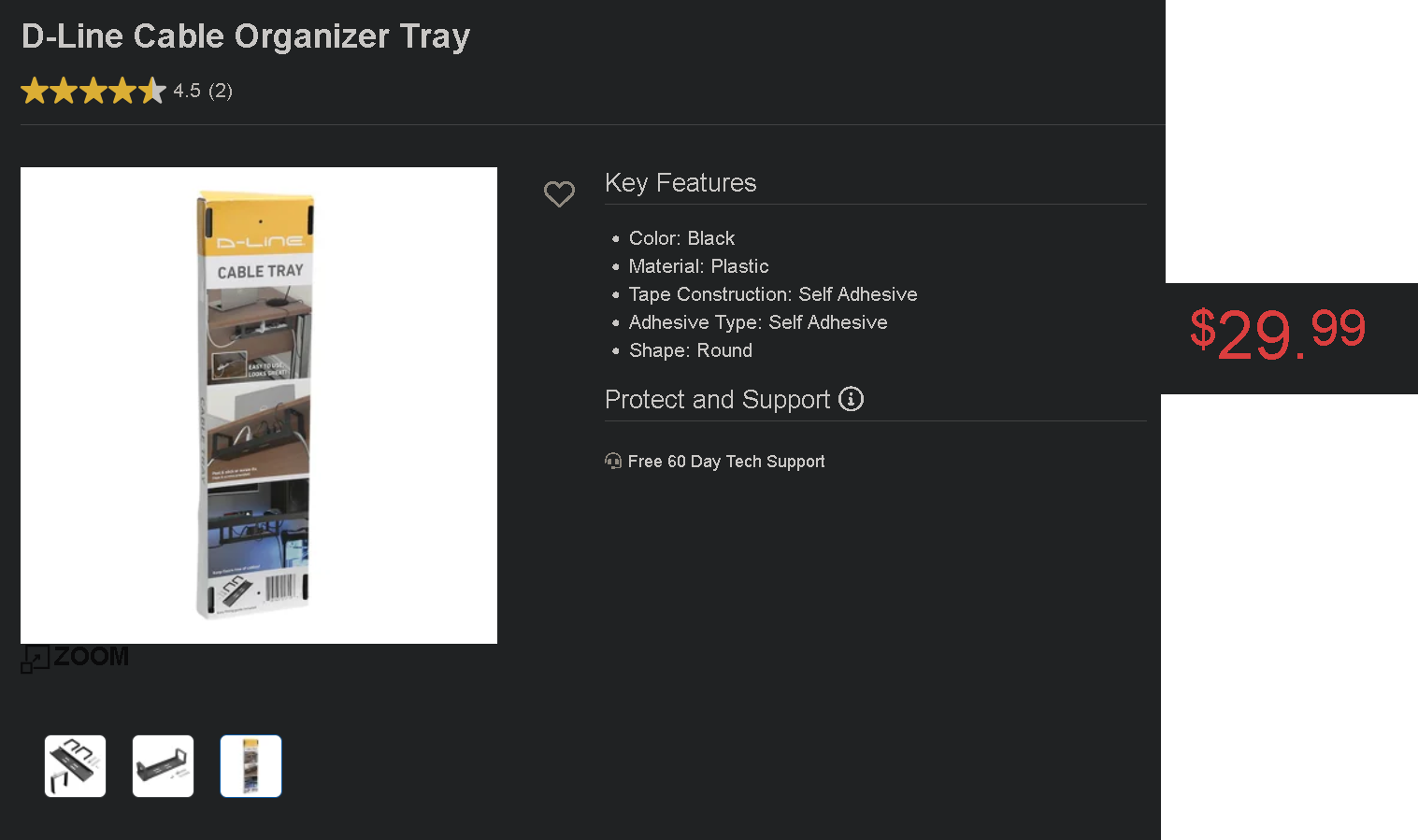
Another desk tray:

Floor cable organizer:

path: 0 10691691, hotness: undefined, score: 14, children: 1
subtext 4 points 2 years ago

🐐🐐

path: 0 10691691 10693626, hotness: undefined, score: 4, children: 0
WashedOver 10 points 2 years ago

I like the look of that one as it hides everything but it also hides everything so it could be hard to manage a bunch of cables and power bars but once it's setup up how often would you need to go in there?

I've used many of these over the years in office setups from IKEA. It's a open design but with lots of places to hook wire loops.

path: 0 10691230, hotness: undefined, score: 10, children: 2
Album 7 points 2 years ago

I used this particular rack for almost 20 years. It's okay.

It's a bit cramped in it's design. It was never easy to undo anything because it snags on everything.

I switched to a design like the one in the pic but angled outwards and it's just been a bit nicer.

path: 0 10691230 10691528, hotness: undefined, score: 7, children: 0
Magister 3 points 2 years ago

I'm using it since WFH, screwed under the desk, it's perfect

path: 0 10691230 10692223, hotness: undefined, score: 3, children: 0
jabathekek 4 points 2 years ago path: 0 10693370, hotness: undefined, score: 4, children: 0
Ameripol 4 points 2 years ago path: 0 10697955, hotness: undefined, score: 4, children: 0
leverage 4 points 2 years ago

I'm happy with 4x of these trays from Monoprice, cheaper than everything else posted so far as well. Fits a beefy power strip (don't cheap out on power) with room to stuff cables and power bricks. https://www.monoprice.com/product?p_id=33815

path: 0 10693650, hotness: undefined, score: 4, children: 0
nezbyte 3 points 2 years ago

Beyond The Office Door has some good reviews of cable management options on their YouTube channel. Their review of the LTT options was particularly well done.

https://youtu.be/yrrRj-F-vJ0

path: 0 10691916, hotness: undefined, score: 3, children: 0
Tahl_eN 3 points 2 years ago

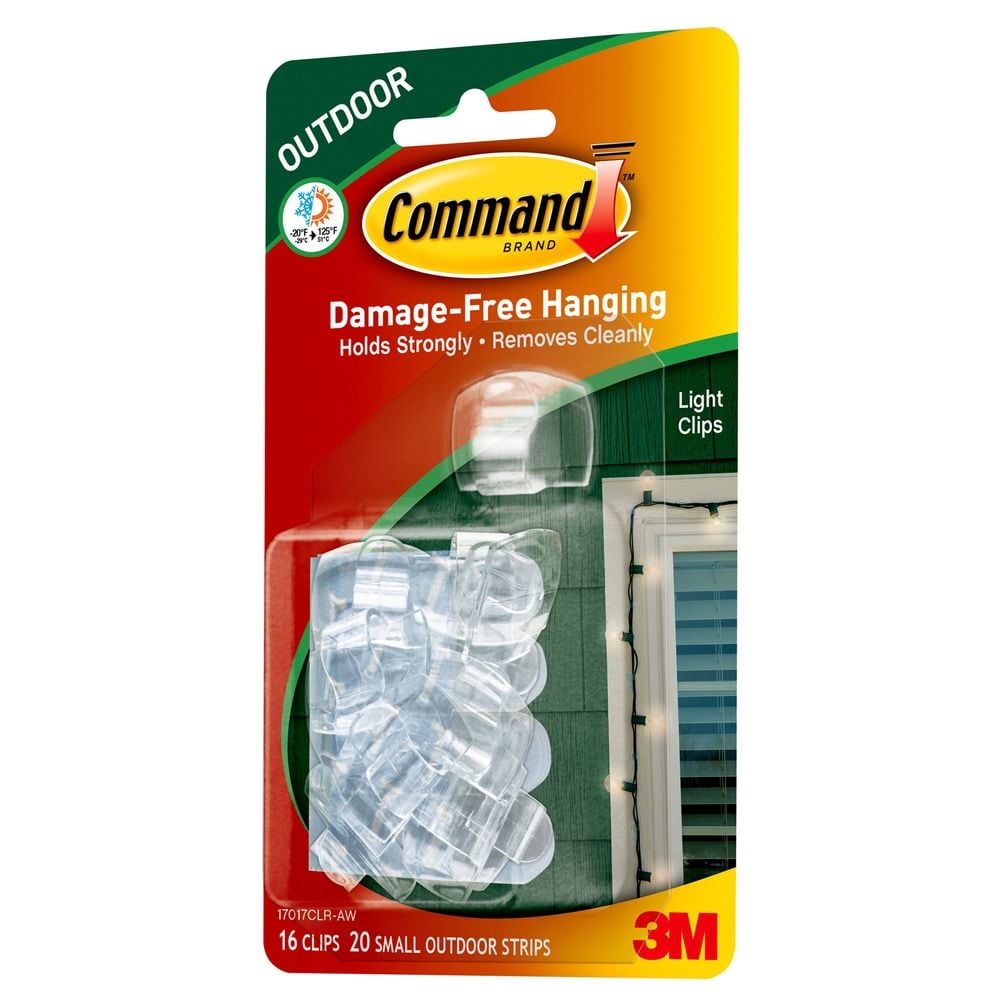
I've used 3M Command light clips for my under-desk cable management for years. It's a little more fiddly on the initial setup, but is very low-profile and you can put the cables exactly where you want them. A pack of 16 3M Command light clips

path: 0 10692255, hotness: undefined, score: 3, children: 1
sneekee_snek_17 2 points 2 years ago

That's a good idea, cheap, too

path: 0 10692255 10692531, hotness: undefined, score: 2, children: 0
octopus_ink 3 points 2 years ago

Am I the only one seeing the black bird with grey beak sitting on its tush typing at a laptop in the thumbnail?

path: 0 10692148, hotness: undefined, score: 3, children: 1
ZoopZeZoop 3 points 2 years ago

I didn't until you said this, but now I do.

path: 0 10692148 10692348, hotness: undefined, score: 3, children: 0
SzethFriendOfNimi 2 points 2 years ago

Do you have 4 power strips? If not then just any kind of screw in clip for the wires themselves, zip ties for loose wiring, and something like this for the power strip should work.

path: 0 10691105, hotness: undefined, score: 2, children: 1
sneekee_snek_17 3 points 2 years ago

That sounds like a logical combination, thanks for the tip

path: 0 10691105 10692221, hotness: undefined, score: 3, children: 0
Zozano 2 points 2 years ago

If you don't care about the underside of your desk, buy a box of cable clamps and hammer those fuckers in a line along the back edge.

Then buy a bunch of tiny zipties and zip them to the clips. Leave enough room so if you need to, you can get a pair of scissors in and cut the ziptie off.

path: 0 10693948, hotness: undefined, score: 2, children: 1
SkaveRat 4 points 2 years ago

Get Velcro ties instead

path: 0 10693948 10694247, hotness: undefined, score: 4, children: 0
jet 2 points 2 years ago

Most power strips have screw mounting options on the bottom. You could just mount the power strip directly to the desk "upside down".

Then use double sided Velcro to group all your wires together

path: 0 10693465, hotness: undefined, score: 2, children: 0
subtext 2 points 2 years ago

Saving this for later

path: 0 10691015, hotness: undefined, score: 2, children: 1
jimmydoreisalefty 0 points 2 years ago

I concur!

Always great to learn about cable management and organization!

path: 0 10691015 10691295, hotness: undefined, score: 0, children: 0
Mastema 2 points 2 years ago

I've seen this done with a section of vinyl gutter before. If you do an image search for pictures there are lots of examples. The version I saw was a reddit link, which I will not utter here.

path: 0 10690933, hotness: undefined, score: 2, children: 0
impudentmortal 1 point 2 years ago

Don't know how wide you need, but the cable tray from Monoprice is a bit cheaper and longer.

path: 0 11308810, hotness: undefined, score: 1, children: 0
undeadfoodsnob 1 point 2 years ago

I recently cable managed my desk into wire free zen, but it took some time and work.

Server Rack Cable Management have been the best solution I found. Just add some double sided tape and cut the rack to size. I also use the same double sided tape to attach power bars under the desk, same with additional switches or hubs.

https://www.amazon.com/...

path: 0 10703362, hotness: undefined, score: 1, children: 0
Dorkyd68 -16 points 2 years ago

It would be absolutely asinine to spend that much money on something you could build yourself. No I will not elaborate on how cause isk how but someone does but not me cuz I'm tarded

path: 0 10691093, hotness: undefined, score: -16, children: 2
MedicPigBabySaver 1 point 2 years ago

Shut up, dimwit.

path: 0 10691093 10693813, hotness: undefined, score: 1, children: 0
BearOfaTime 0 points 2 years ago

cuz I'm tarded

Indeed

path: 0 10691093 10703897, hotness: undefined, score: 0, children: 0
battlestations
battlestations

@lemmy.world

login for more options
2723
35
2

Welcome to /c/Battlestations

A community for sharing your computer, gaming or work setups as well as discussion about anything related to such setups.

  • Posts should include a photo of a computer setup of some kind or be a discussion of computer setups.
  • Posts or comments that are homophobic, transphobic, racist, sexist, ableist, or advocating violence will be removed.
  • Be civil: disagreements happen, but that doesn’t provide the right to personally insult others.
  • Spam, self promotion, trolling, and bots are not allowed

Lemmy World Rules

go to feed...